Announcement
Collapse
No announcement yet.
Windows 10 Combined VRAM Performance Update
Collapse
X
-
-
Fallout 4 Graphics Revisited: Patch 1.3
Jarred Walton Feb 3, 2016
Maximum PC Graphics Test Bed
CPU Intel Core i7-5930K: 6-core HT OC'ed @ 4.2GHz
Core i3-4350 simulated: 2-core HT @ 3.6GHz
Mobo Gigabyte GA-X99-UD4
GPUs AMD R9 Fury X (Reference)
AMD R9 390 (Sapphire)
AMD R9 380 (Sapphire)
AMD R9 285 (Sapphire)
Nvidia GTX 980 Ti (Reference)
Nvidia GTX 980 (Reference)
Nvidia GTX 970 (Asus)
Nvidia GTX 950 (Asus)
SSD Samsung 850 EVO 2TB
PSU EVGA SuperNOVA 1300 G2
Memory G.Skill Ripjaws 16GB DDR4-2666
Cooler Cooler Master Nepton 280L
Case Cooler Master CM Storm Trooper
OS Windows 10 Pro 64-bit
Drivers AMD Crimson 16.1
Nvidia 361.75
Setting.jpgLast edited by AKK_K; 9 Feb 2016, 19:30:33.
Comment
-
FallOut4 V1.3.jpg
FallOut4 V1.3_FuryX.jpg
Last edited by AKK_K; 9 Feb 2016, 19:48:00.
Comment
-
Game Performance Using Different Storage Media
Sho Kikugawa Feb 2, 2016
From the data collected, storage devices have little to no impact on performance while the game is running.
Where it impacts the most is where there?s lots of loading, such as starting a new game, loading a new level, or loading from a save file.
While we recommend putting what you can on the SSD for maximum performance,
if you?re stuck deciding what to put on your SSD and what to leave on the HDD, here are our recommendations:
Detailed open-world games, such as GTA V and Fallout 4, should be on an SSD to minimize load times and any possibility of performance hiccups.
Games with smaller maps to act as game levels, such as first-person shooters, strategy games, and action games,
can remain on an HDD without fear of performance loss during gameplay.
The load times for each level or map is still much smaller than open-world games, and they may play a cinematic to pass the time.
Games that you?ve heavily modded should be on an SSD. These mods may comprise of many files instead of large contiguous files games are usually packaged in,
giving the faster access time of an SSD an edge.
We also still recommend fitting an SSD into your PC build if you can,
but if you?re having trouble budgeting for one, don?t worry about losing out on much in-game performance by using an HDD.
A low-end processor or video card will hurt your performance more than running on an HDD.
Comment
-
Rise of the Tomb Raider ? DirectX 12 Option Appears On The Game?s Launcher
It appears that Nixxes is currently working on a DX12 update for the PC version of Rise of the Tomb Raider.
As you may have heard, a DX12 .dll file was included in the PC version of the game.
And while the game does not currently support Microsoft?s latest API,
the first PC patch that was recently released added a hidden new DX12 option to the game?s launcher.
For what is worth, the DX12 option does not currently work.
Our guess is that Nixxes included before adding support to DX12,
meaning that a later patch will most probably enable DX12.
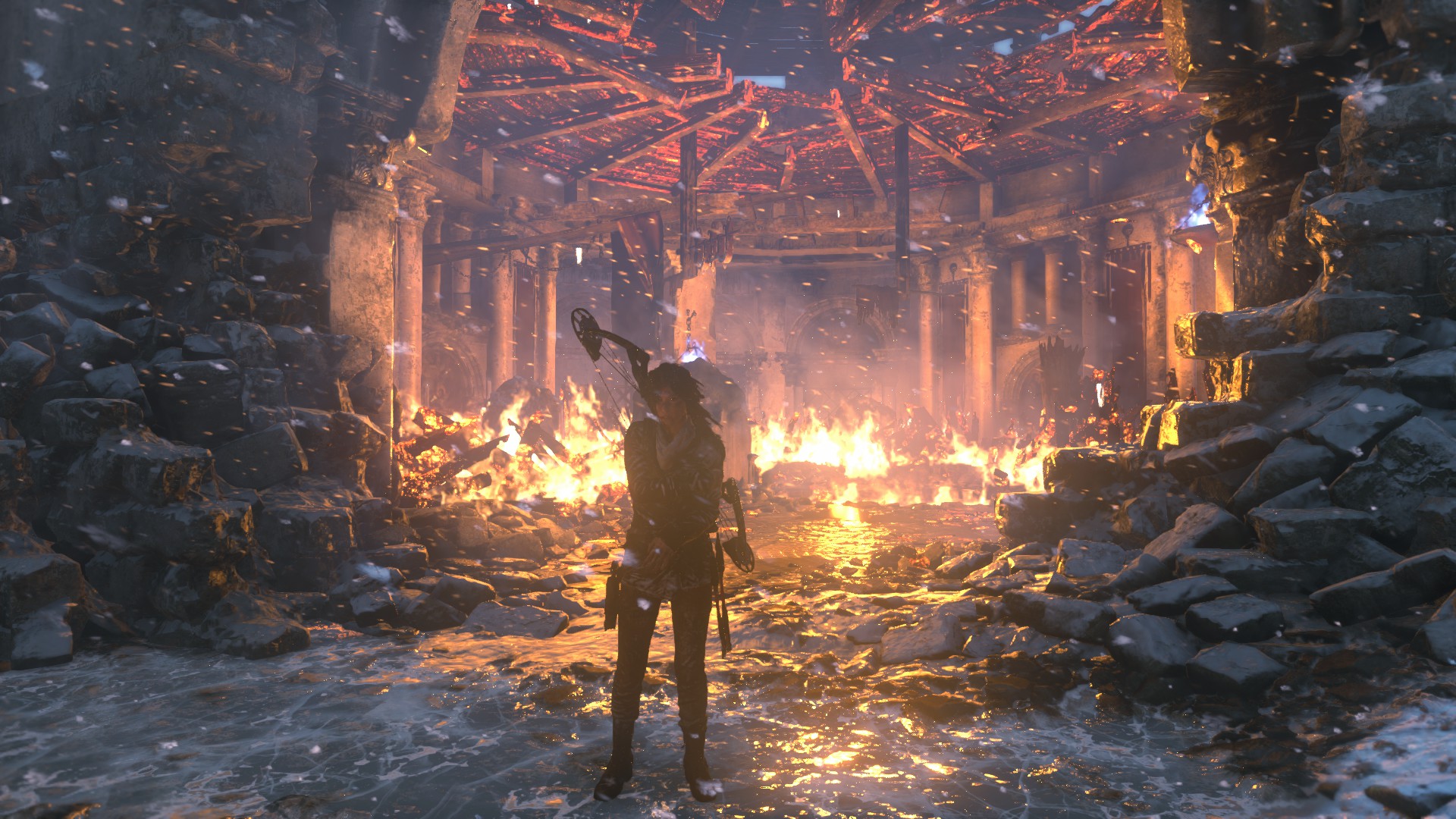
RiseTomb.jpg
The above results can be achieved by replacing ROTTR.exe with the original executable from the retail version.
Steam owners can do so by opting into the Beta branch.
Moreover, it appears that Nixxes will add support for NVIDIA?s TXAA anti-aliasing option.
The game currently supports FXAA, SMAA and SSAA. Our guess is that a future patch will also add NVIDIA?s TXAA.
Rumour also has it that NVIDIA?s VXAO will be added to the game, though both Nixxes and NVIDIA have not commented on this yet.
It appears that Nixxes is currently working on a DX12 update for the PC version of Rise of the Tomb Raider. As you may have heard, a DX12 .dll file was included in the PC version of the game. And while the game does not currently support Microsoft’s latest API, the first PC patch that was … Continue reading Rise of the Tomb Raider – DirectX 12 Option Appears On The Game’s Launcher →
Last edited by AKK_K; 9 Feb 2016, 21:16:49.
Comment
-
UpdateOriginally posted by akararat View Postตอนนี่ผมเปลี่ยนจาก8.1มา10 buildนี้ ไม่รู้มีปัญหาบัคไรบ้างไหม

Windows 10 PC cumulative update 10586.104:
Making it its third cumulative update this year, Microsoft has released a new Windows 10 PC cumulative update.
We have already received build 10586.63 and a cumulative update 10586.71.
The latest update will bring the Windows 10 users up to build number 10586.104.
Remember, the cumulative updates are separate from the preview builds that Windows 10 Insider members receive.
While Insider members are testing out Windows 10 Redstone features and updates, PC users are on the Threshold TH2 development branch.
Bringing a number of bug fixes and performance improvements, the latest Windows 10 PC cumulative update is available via Windows Update.
Look for number KB3135173. And finally, to the more exciting news. Microsoft has decided to provide full changelog with its cumulative releases. Yay!
Advertisements
We?re committed to our customers and strive to incorporate their feedback, both in how we deliver Windows as a service and the info we provide about Windows 10.
In response to this feedback, we?re providing more details about the Windows 10 updates we deliver through Windows Update.
You?ll see a summary of important product developments included in each update, with links to more details.
This page will be regularly refreshed, as new updates are released.
Here is the Windows 10 PC 10586.104 cumulative update complete changelog:
Fixed issues with authentication, update installation, and operating system installation.
Fixed issue with Microsoft Edge browser caching visited URLs while using InPrivate browsing.
Fixed issue that didn?t allow simultaneous install of apps from the Windows Store and updates from Windows Update.
Fixed issue that delayed the availability of songs added to the Groove Music app in Windows 10 Mobile.
Improved security in the Windows kernel.
Fixed security issues that could allow remote code execution when malware is run on a target system.
Fixed security issues in Microsoft Edge and Internet Explorer 11 that could allow code from a malicious website to be installed and run on a device.
Fixed additional issues with the Windows UX, Windows 10 Mobile, Internet Explorer 11, Microsoft Edge, and taskbar.
Fixed additional security issues with .NET Framework, Windows Journal, Active Directory Federation Services, NPS Radius Server, kernel-mode drivers, and WebDAV.
Read more: http://wccftech.com/windows-10-cumul...#ixzz3ziuhbeER
Get your official Microsoft ISOs here
Link to Media Creation Tool
Last edited by AKK_K; 10 Feb 2016, 08:25:33.
Comment
Comment